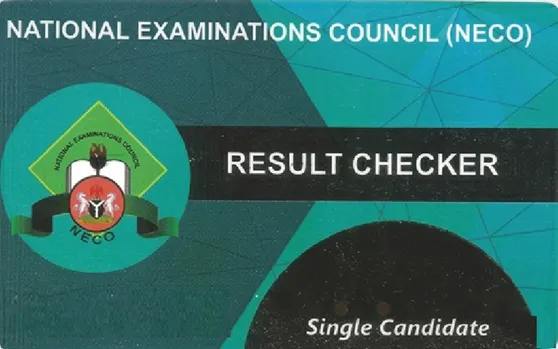
Buy NECO Result Checker Token Online
Get the NECO token you need to check your SSCE Internal or External result. Pay online, then receive your token on screen and by email once payment is confirmed.
₦2,400 per NECO token
In stock
- Subtotal
- ₦2,400
- Service fee
- ₦100
- Total
- ₦2,500
NECO allows only one token per candidate, and it can be used 5 times. If you have already purchased a token before, do not buy another. Proceed with NECO e-Verification instead.
Secure payment through Paystack.
Your NECO token is shown on screen and emailed once payment is confirmed.
Automatic delivery
No waiting for someone to send it once payment is confirmed.
Secure payment
Your payment details are handled by Paystack.
No account needed
Check out with your name, email and phone number.
Find it again later
Track your purchase if you misplace your NECO token.
What Is a NECO Result Checker Token?
A NECO result checker token, also called a NECO scratch card or NECO token, is the code the National Examinations Council (NECO) result portal asks for before it shows a result. It replaced the older PIN and serial number format on the NECO portal.
Who needs it: candidates who sat the NECO SSCE Internal (June/July) or External (November/December) examination, as well as parents, schools and tutorial centres checking on a candidate's behalf.
Preparing for other exams too? You can also buy a WAEC scratch card or a NABTEB result checker PIN here.
What you receive after payment
You receive your NECO token and its serial number digitally. Nothing is shipped. Results themselves are issued by the examination body, and Cegital cannot change them.
How to Buy NECO Token Online
- Select the quantity. Each candidate needs their own NECO token.
- Click Proceed to Payment and enter your name, email address and phone number.
- Complete payment on Paystack using any option shown at checkout.
- Receive your NECO token on the confirmation page and by email. Card payments usually confirm straight away, while bank transfers can take longer.
- Follow the instructions below to use it.
How to Check Your NECO Result
- Open the official NECO results portal.
- Select your examination year and examination type, such as SSCE Internal or SSCE External.
- Enter the token you received from Cegital.
- Enter your NECO registration number exactly as it appears on your examination slip.
- Submit the form to view your result, then print it or save a copy.
NECO may change its portal layout. If a field looks different, follow the instructions on the portal.
How Many Times Can You Use a NECO Token?
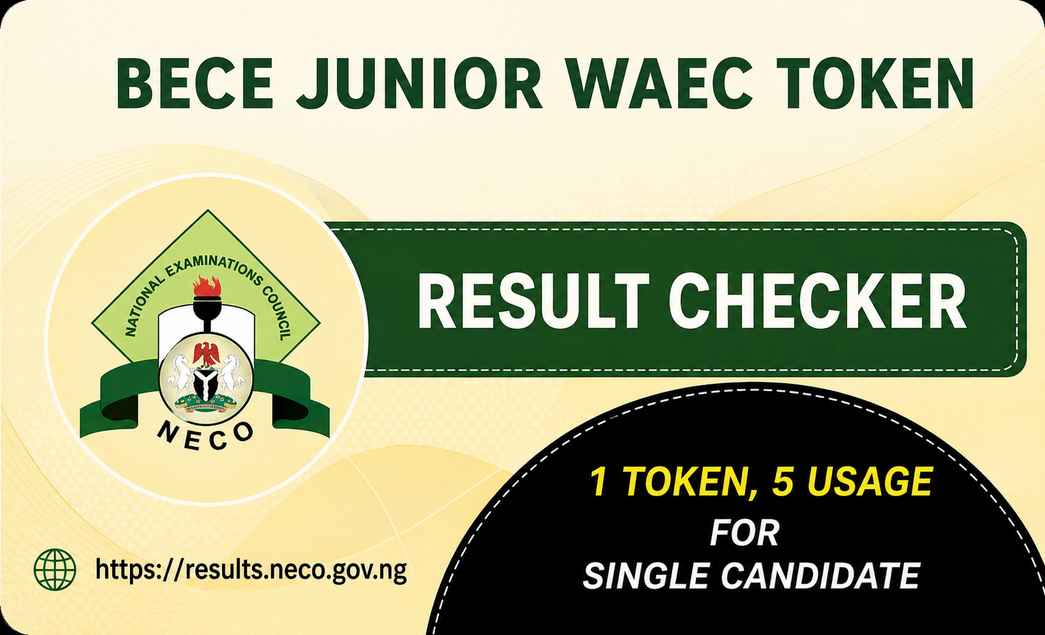
You can use one NECO token 5 times per candidate. NECO allows only one token per candidate.
If you have already purchased a token before, do not buy another. Proceed with NECO e-Verification instead.
Frequently Asked Questions
Where can I buy NECO Result Checker Token online?
How much is NECO Result Checker Token in Nigeria?
How many times can I use a NECO token?
I already bought a NECO token before. Should I buy another?
How do I check my NECO result online?
How will I receive my NECO token after payment?
What happens if my payment is successful but I don't receive my token?
Can I use one NECO token for multiple candidates?
Other Examination Cards


Helpful Guides
Need Help With Your Purchase?
Have your tracking ID or Paystack reference ready so we can find your order quickly.
Examination cards are digital products and are not refundable under our return and refund policy. Also see shipping and payment.

We are a Digital Company specialized in sales of top-notch ICT products, mobile devices and accessories for your comfort. We also provide Education products such as Examination Scratch Cards to enable students access their results online, at the convenience of their rooms, anywhere in the world.